
- This topic has 0개 답변, 1명 참여, and was last updated 3 years, 5 months 전에 by
익명. This post has been viewed 1307 times
-
-
익명
1. 사전 설치 프로그램
# dnf install SDL*
# dnf install libvpx*2. virtualbox.org에서 내려받은 rpm 파일을 수동으로 설치
[root@ains 다운로드]# rpm -Uvh VirtualBox-6.1-6.1.44_156814_fedora36-1.x86_64.rpm
경고: VirtualBox-6.1-6.1.44_156814_fedora36-1.x86_64.rpm: 헤더 V3 RSA/SHA256 Signature,
키 ID 2980aecf: NOKEY
^[OP확인... ################################# [100%]
준비 중... ################################# [100%]
최신화 / 설치하기...
1:VirtualBox-6.1-6.1.44_156814_fedo################################# [100%]Creating group 'vboxusers'. VM users must be member of that group!
This system is currently not set up to build kernel modules.
Please install the gcc make perl packages from your distribution.
Please install the Linux kernel "header" files matching the current kernel
for adding new hardware support to the system.
The distribution packages containing the headers are probably:
kernel-devel kernel-devel-6.2.15-300.fc38.x86_64
This system is currently not set up to build kernel modules.
Please install the gcc make perl packages from your distribution.
Please install the Linux kernel "header" files matching the current kernel
for adding new hardware support to the system.
The distribution packages containing the headers are probably:
kernel-devel kernel-devel-6.2.15-300.fc38.x86_64There were problems setting up VirtualBox. To re-start the set-up process, run
/sbin/vboxconfig
as root. If your system is using EFI Secure Boot you may need to sign the
kernel modules (vboxdrv, vboxnetflt, vboxnetadp, vboxpci) before you can load
them. Please see your Linux system's documentation for more information.3. 버추얼 박스 동작을 위한 추가 부분
# dnf install kernel kernel-devel kernel-tools*
# dnf install kernel-rpm-macros
# '/sbin/vboxconfig'4. virtualbox.org에서 내려받은 확장 파일 확인
가. 확장 파일 확인(내려받은 위치)
# ls -al Oracle_VM_VirtualBox_Extension_Pack-6.1.44.vbox-extpack
나. 확장파일 적용하기
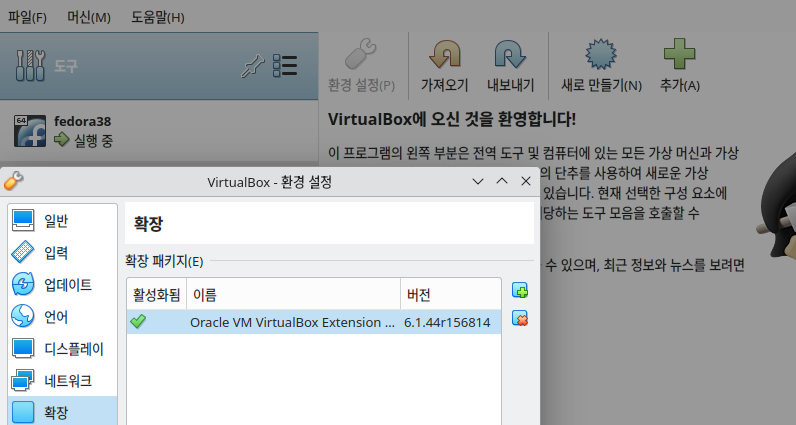
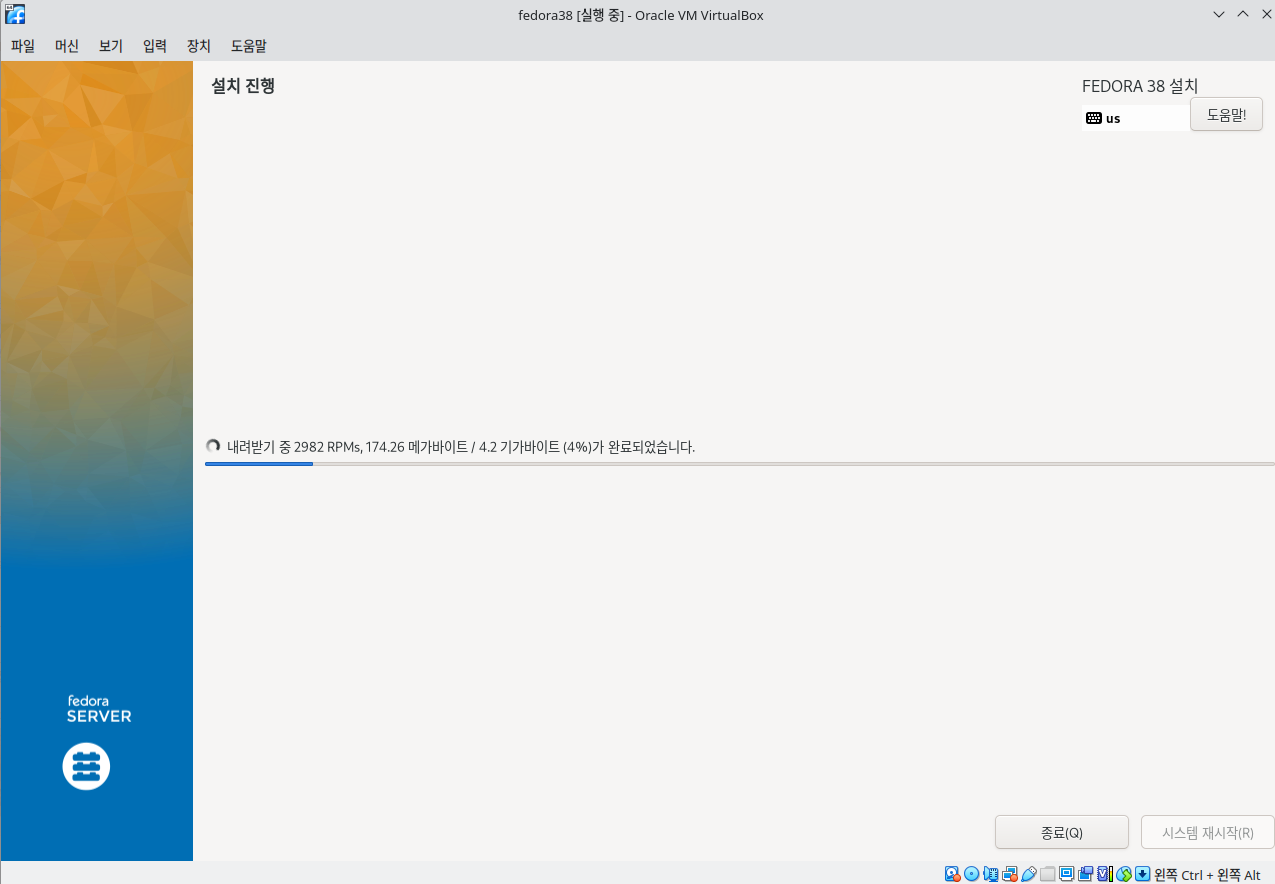
5. 알고 있더래도, 처음 입문하는 페도라 사용자를 위해 가상화 적용을 위와 같이 진행 할 수 있습니다.

- 답변은 로그인 후 가능합니다.